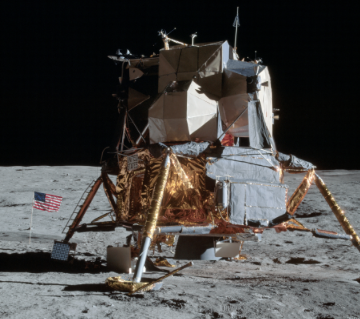
Moon Lander Game
It is over 50 years since humans last landed a spacecraft on the Moon.
Can you do it now?
Play a modern online version of the classic Lunar Lander game.
You are sitting above a rocket engine,
balancing the spacecraft over a column of fire,
slowing your descent without wasting fuel or tipping over.
Point the engine the right way,
apply the right thrust, control your drift,
and see if you can land safely.
Too much thrust, too little thrust,
or the wrong angle,
and the Moon will not forgive you.
Getting Started
- Go to the Game page.
- Start a landing attempt.
- Keep the spacecraft under control.
- Try to land gently rather than quickly.
- If you crash, try again and improve your next attempt.
- Most importantly have fun!
Control the Lunar Module
Where the cursor is on the game play area is your control of the Lunar Module
- Up/down controls thrust: top = more burn, bottom = less burn
- Left/right controls tilt angle
- Bottom centre is neutral
How it works
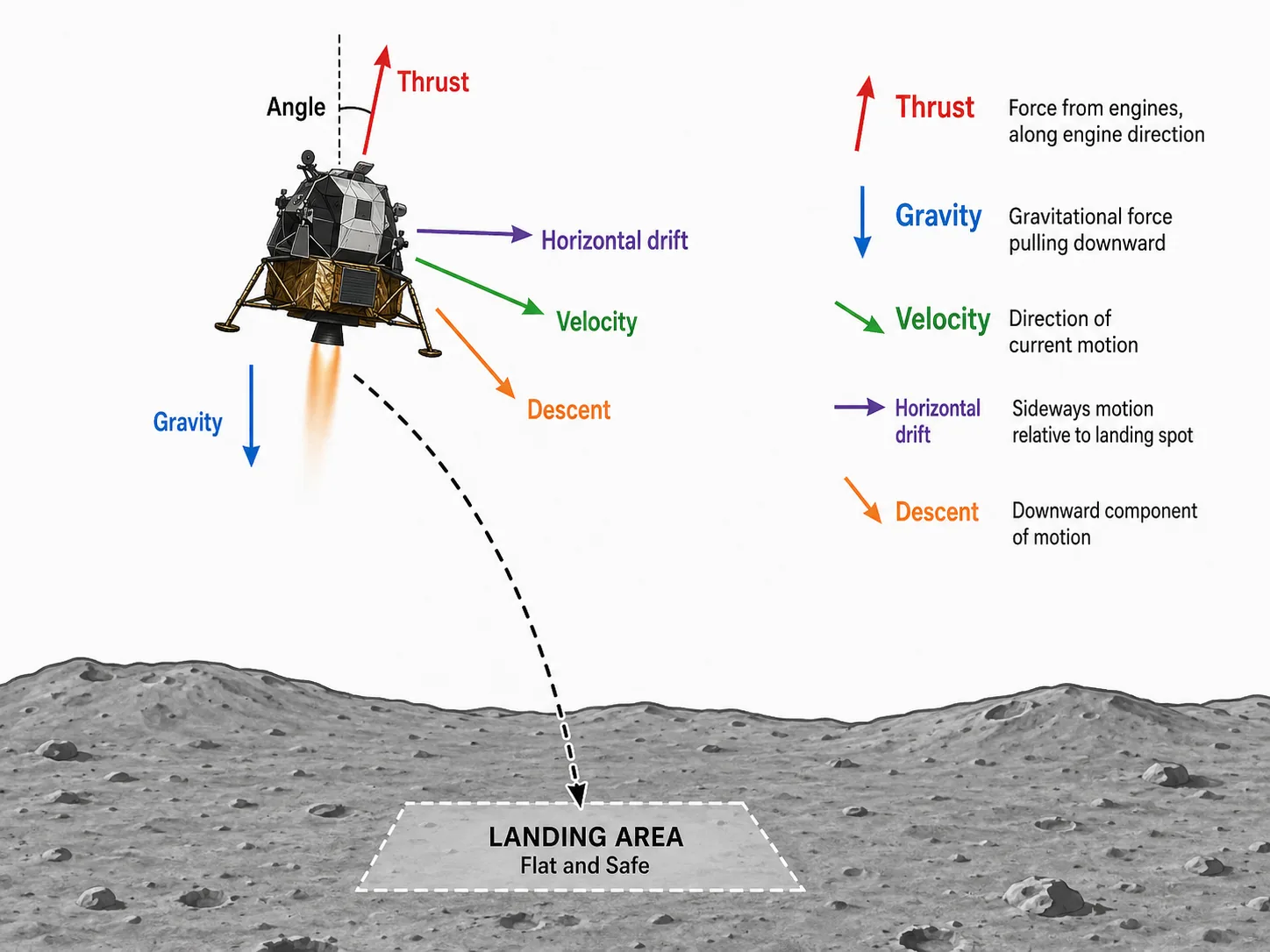
Gravity on the moon is always pulling you down, so you must use the engine to slow your fall. To move left or right, you tilt the spacecraft and use engine thrust to push sideways. There is no atmosphere on the moon, so there is no air resistance to slow you down for free. Use your engine thrust to change your velocity. The angle of the spacecraft controls the effect of the thrust (how much to slow descent, and how much side to side).
Game Pages
- Home (this page) quick game overview.
- Moon Lander (the game) Where you fly, land, crash, recover, improve, and have fun flying.
- About the game Explains why the app was built and where Lunar Lander came from.
- Privacy Policy Explains data we collect, and why.
- Contact Greg Please send me your feedback and any bugs.
What You Will See on the Game Screen
Main Game Area
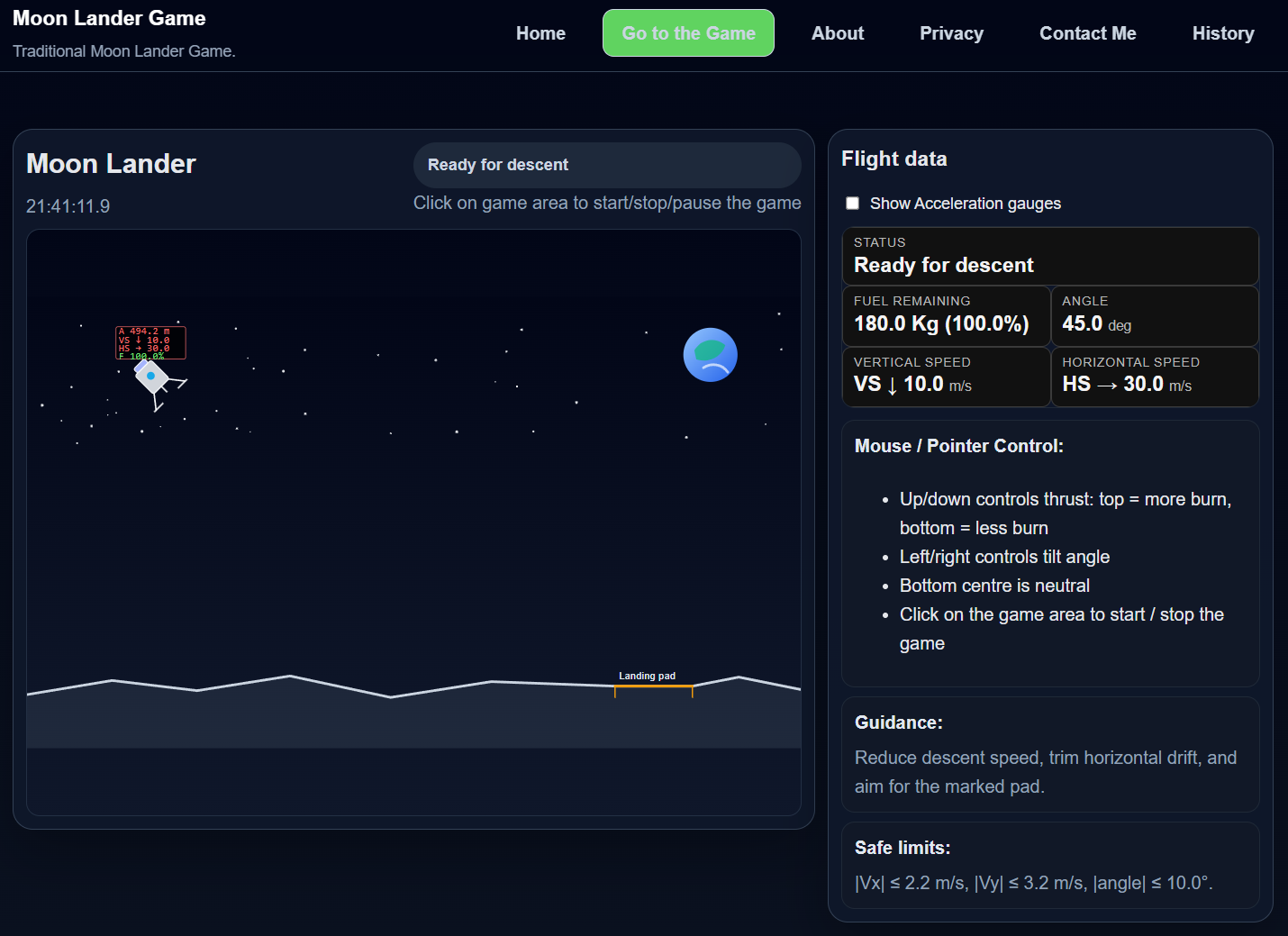
This is where you watch the lander descend and judge how well you are controlling it.
Spacecraft
Your Lunar Module, the goal is to bring it to a soft landing, on the landing pad. Above the LEM, is a Heads Up Display of Vertical / Horizontal Speed, and remaining fuel.
Landing Area
This is the part of the surface you are aiming for. A safe landing is about control, not speed.
Spacecraft with Heads Up Display
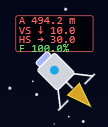
Your Lunar Module has a Heads Up Display showing: Altitude (metres), Vertical / Horizontal Speed, and remaining fuel.
Page Selection
Heading row on each page, allows page selection. See 'Game Pages' above for all of the pages.
Flight Gauges
To see important flight information (location, angle, speed, fuel...).
Optional extra display information (such as acceleration) can be selected here as well.
Information
Information is shown around the game area.